01 — YOUR MATERIALS
Learn from videos you care about
Import your own local video and subtitle files. Your study library stays yours; no bundled third-party course catalog is required.
Shadowing English turns the videos you already have into focused, line-by-line English practice—with AI-timed subtitles, repeat controls, and a space to speak along.
Web version is not available yet. Use the desktop or Android app.
A good shadowing English routine needs precise timing and fewer distractions. This app is designed around one job: helping you hear a line, understand it, and say it back.
Import your own local video and subtitle files. Your study library stays yours; no bundled third-party course catalog is required.
Generate AI subtitles with word-level timing where supported, then use them for more accurate, natural line-by-line practice.
Pause, replay, follow the subtitle, and switch on shadowing mode—without turning your practice into a generic flashcard drill.
The workflow is deliberately simple, so your attention stays on listening and speaking.
Choose Android, Windows, macOS, or Linux from the latest release.
Add materials you own or have permission to use. The app does not distribute copyrighted course packs.
Use the player to isolate a sentence, follow its timing, and imitate the speaker's sound and rhythm.
Bring in your own material, listen with a focused player, and look up the words that stop you.
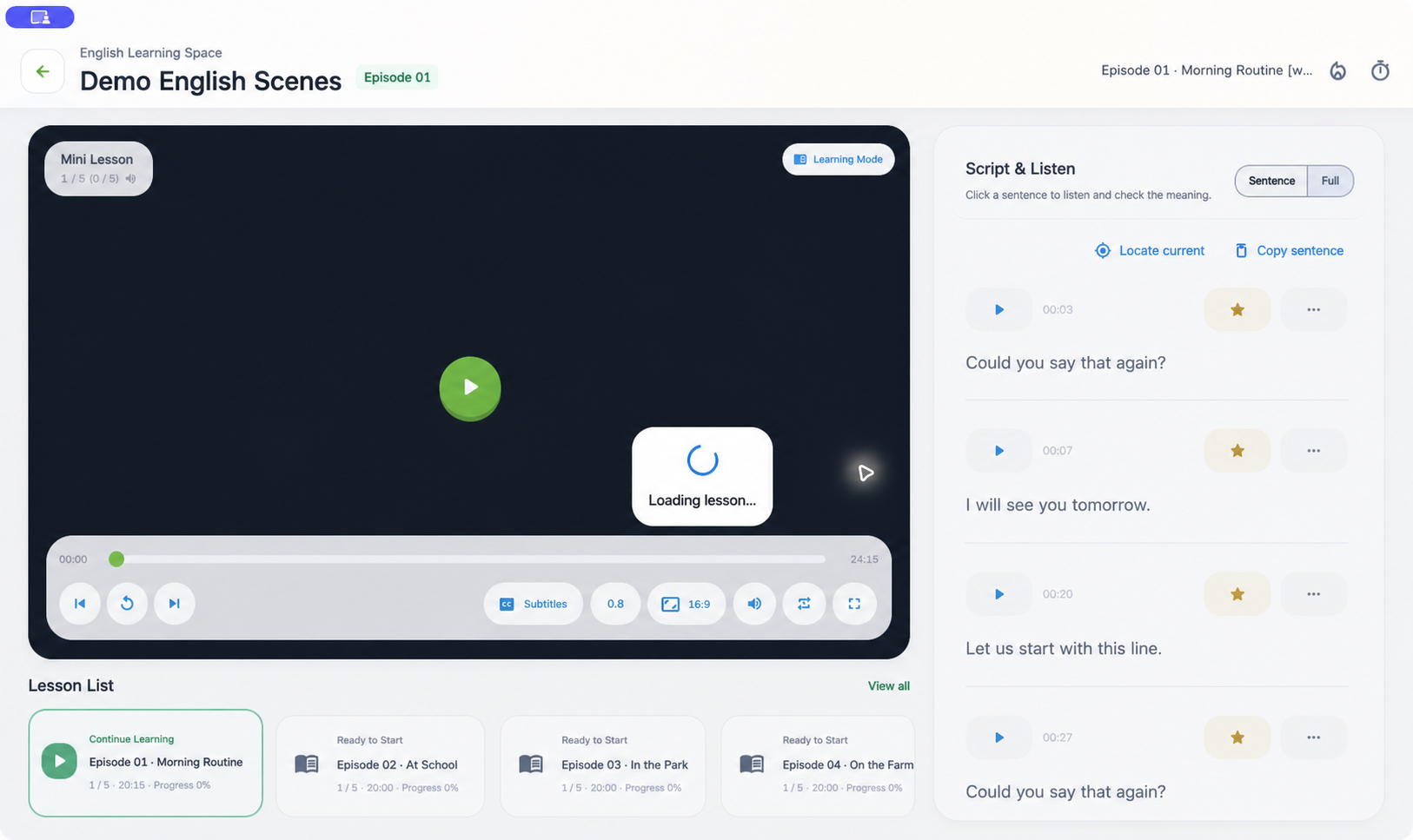
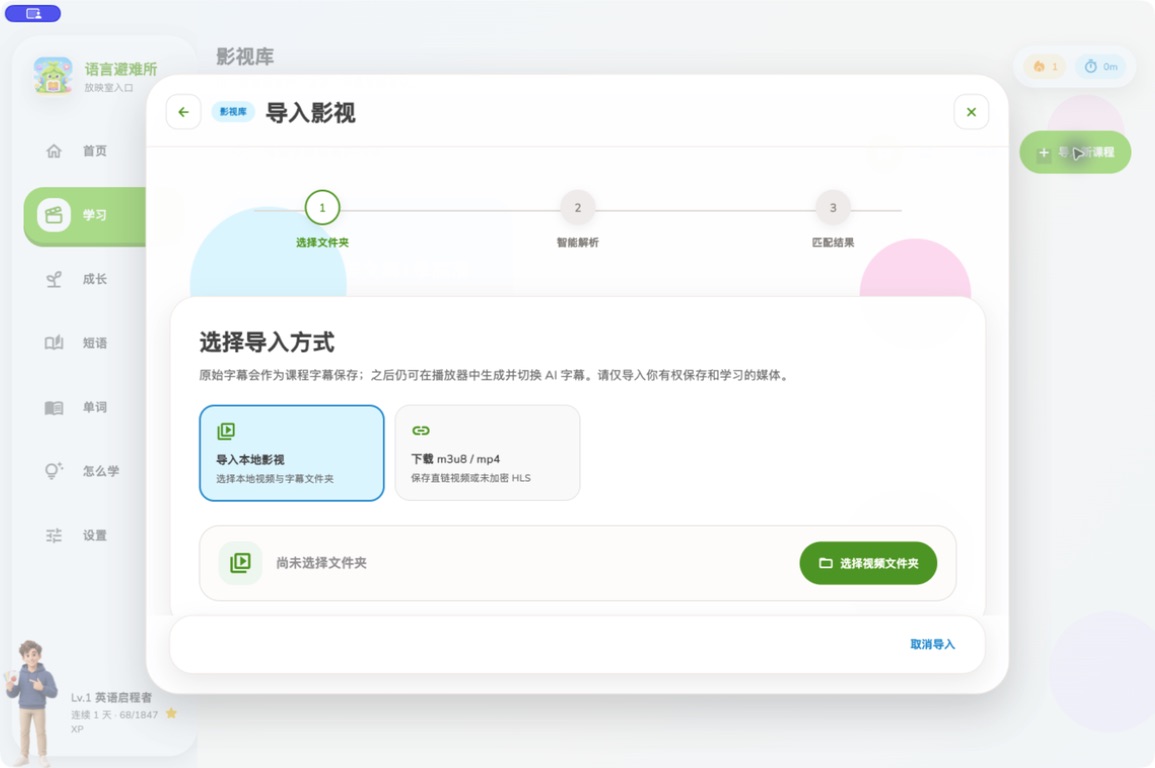
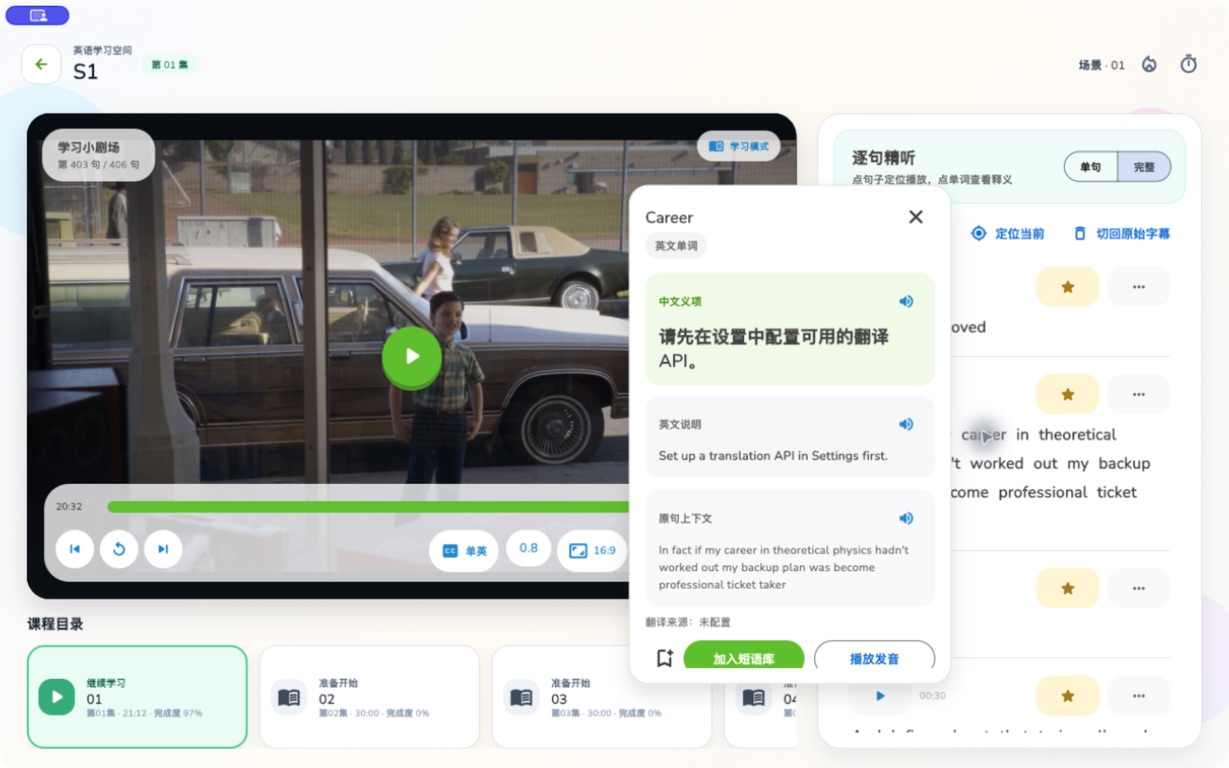
Use AI-generated subtitles to prepare material for practice. Sentence explanations and shadowing guidance are being improved continuously—without taking the focus away from real listening and speaking.
Download the latest free release for Android or desktop. A browser-based version is not available yet.
Shadowing is a speaking practice method: listen to natural English and repeat immediately, matching pronunciation, rhythm, and connected speech.
Not yet. Shadowing English is currently a downloadable app for Android, Windows, macOS, and Linux.
Yes. Import your own local video and subtitle materials. The project intentionally does not ship third-party video packs or commercial subtitle libraries.
AI can generate timed subtitles for supported providers. The app is also continuing to improve sentence-level explanations and shadowing guidance.